
Change materials
- 1Select a room floor, a wall or a piece of furniture.
- 2In Properties, choose a material: paint, wood, tile, marble, concrete, fabric or carpet.
- 3Pick a colour. Wall finishes apply to both faces and are priced per m² in the quote.
Place lights
Pick Light (L) and click the plan to place one. In Properties, set its colour, intensity and height.
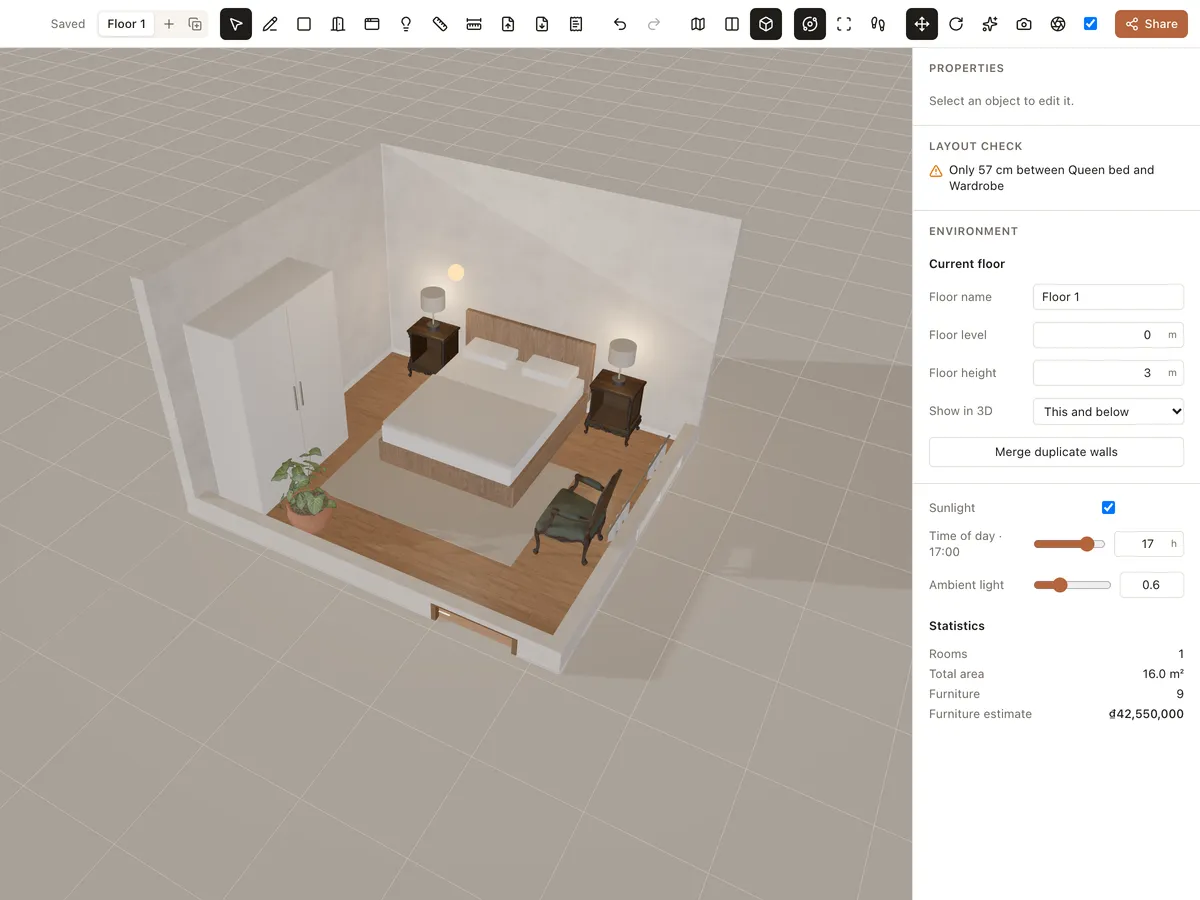
Table and floor lamps from the library give off real light. Turn on Interact (H) to switch each lamp by clicking it, or use All lamps on / All lamps off.
Sunlight and ambient light
In the Environment panel, turn on Sunlight and drag Time of day to see the sun come in early in the morning or late in the afternoon. Ambient light sets the overall brightness of the scene.
Turn on High quality in the toolbar for nicer shadows and light when presenting to clients.