
Walk through your home before it's built
Three views in one: orbit for the big picture, look from above like a plan, and walk at eye level with W A S D and the mouse. Get a feel for passage widths, ceiling height and furniture placement as if you were standing in the room.
- Orbit
- Top view
- Walk with W A S D
- Shareable view link
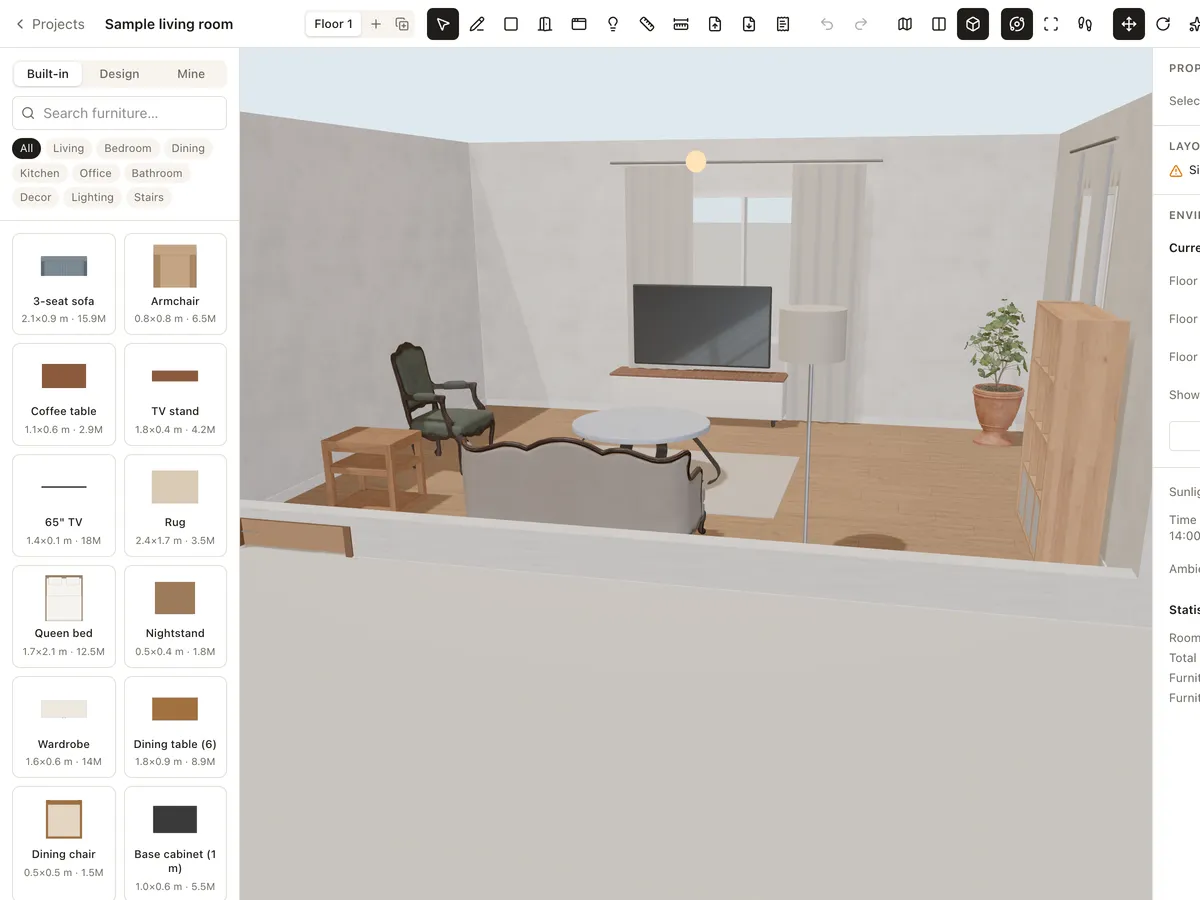
Explore your design
Eye-level walk
Click the 3D view, use W A S D to walk and the mouse to look, Esc to exit.
Orbit
Drag to rotate, scroll to zoom, see the room from every side.
Top view
Look straight down to see the whole layout in 3D.
View-only links
Send a link: viewers can orbit, walk through and see the plan, but can't change anything.
Walk through in 3 steps
- 1
Switch to Walk
Choose Walk in the 3D view's camera bar.
- 2
Move around
W A S D to walk, the mouse to look around.
- 3
Share
Create a view link so clients or family can walk through too.
Frequently asked questions
Is Roomcraft free?
Yes. Roomcraft is free and runs in your browser (Chrome, Edge, Safari or Firefox with WebGL), with no software to install. Create an account to save projects to the cloud and open them on any device.
Do viewers need an account?
No. They open the link in a browser, even on a phone, and can't edit the design.
Does it support VR headsets?
Not yet. Walk mode uses the keyboard and mouse on a computer; people you share a link with can still open the design on a phone.
Explore more
See all features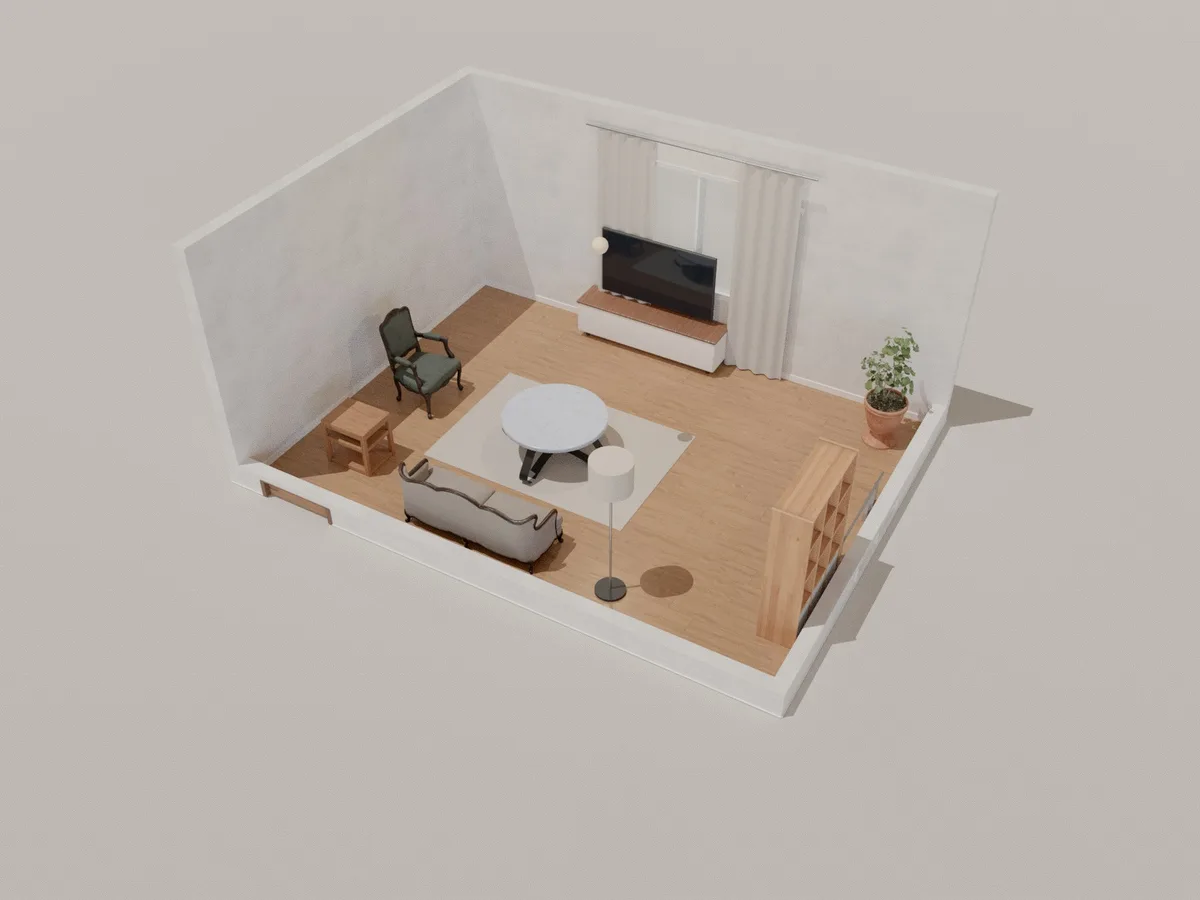
Photoreal render
Make photorealistic interior renders with path tracing right in your browser, on your own graphics card. Pick a quality, wait from seconds to a few minutes and download the image.
Learn more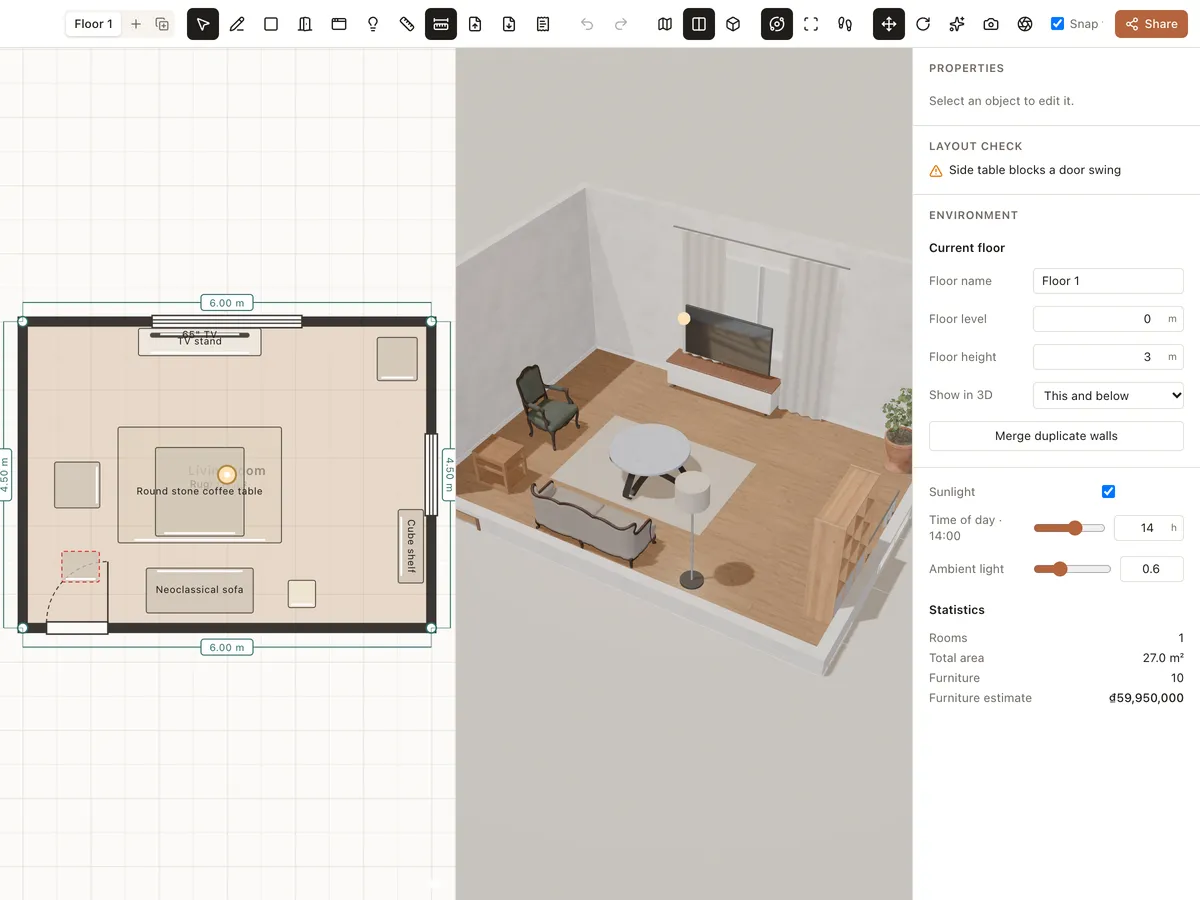
2D floor plan → 3D
Draw floor plans online with exact dimensions: walls, rooms, doors, windows and multiple floors. Roomcraft builds the 3D model as you draw — free, right in your browser.
Learn more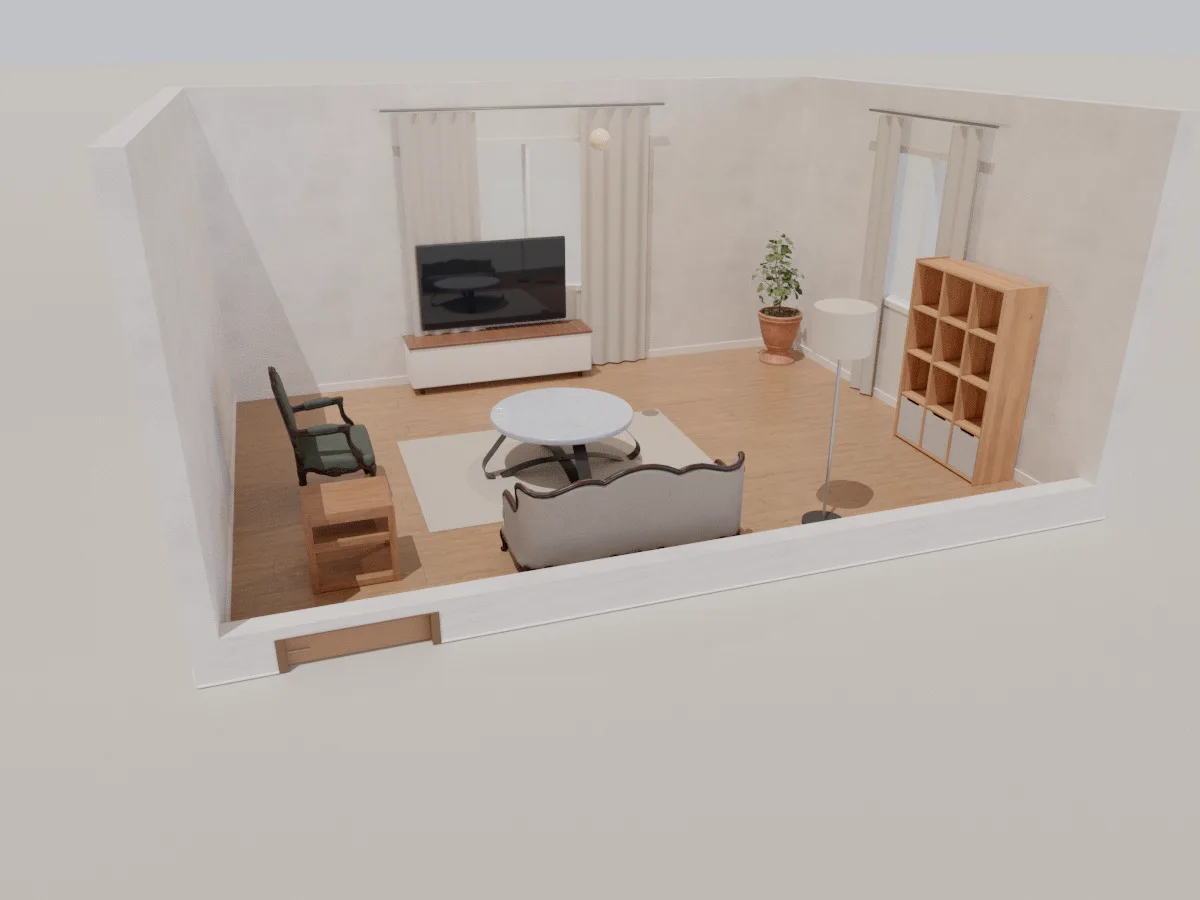
Living room
A ready-made 6 × 4.5 m 3D living room with sofa, coffee table, TV unit, shelving and lighting. Open it in your browser, rearrange it, change materials and walk through it with Roomcraft.
Learn moreReady to design your home?
Free, right in your browser, nothing to install.